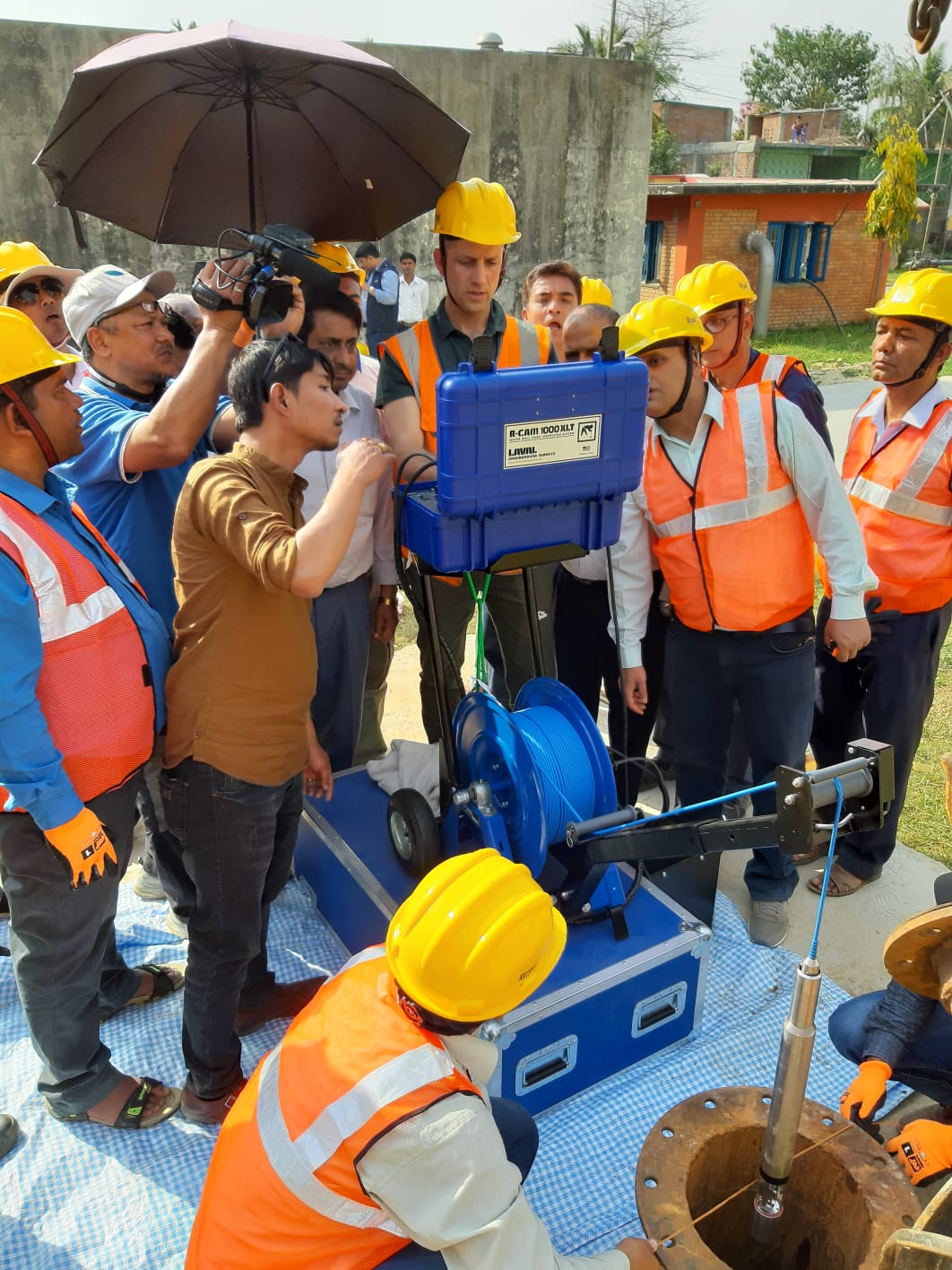
Water Well Camera Care: Simple Tips for Longer Performance
Water Well Camera Care: Simple Tips for Longer Performance
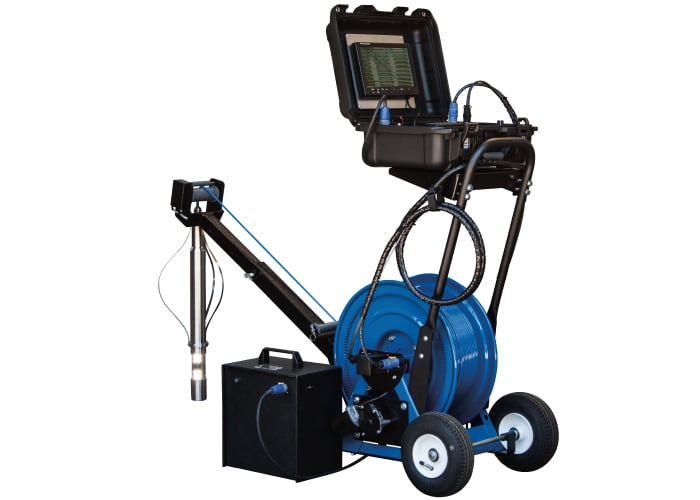
When you’re working in the field with water well and borehole cameras, not everything is within your control. Weather, terrain, and equipment age all play a role. However, there are circumstances within our control and steps that can be taken to ensure equipment runs smoothly for longer.
Here are a few simple ways to keep your equipment performing at its best:
1. Handle with care
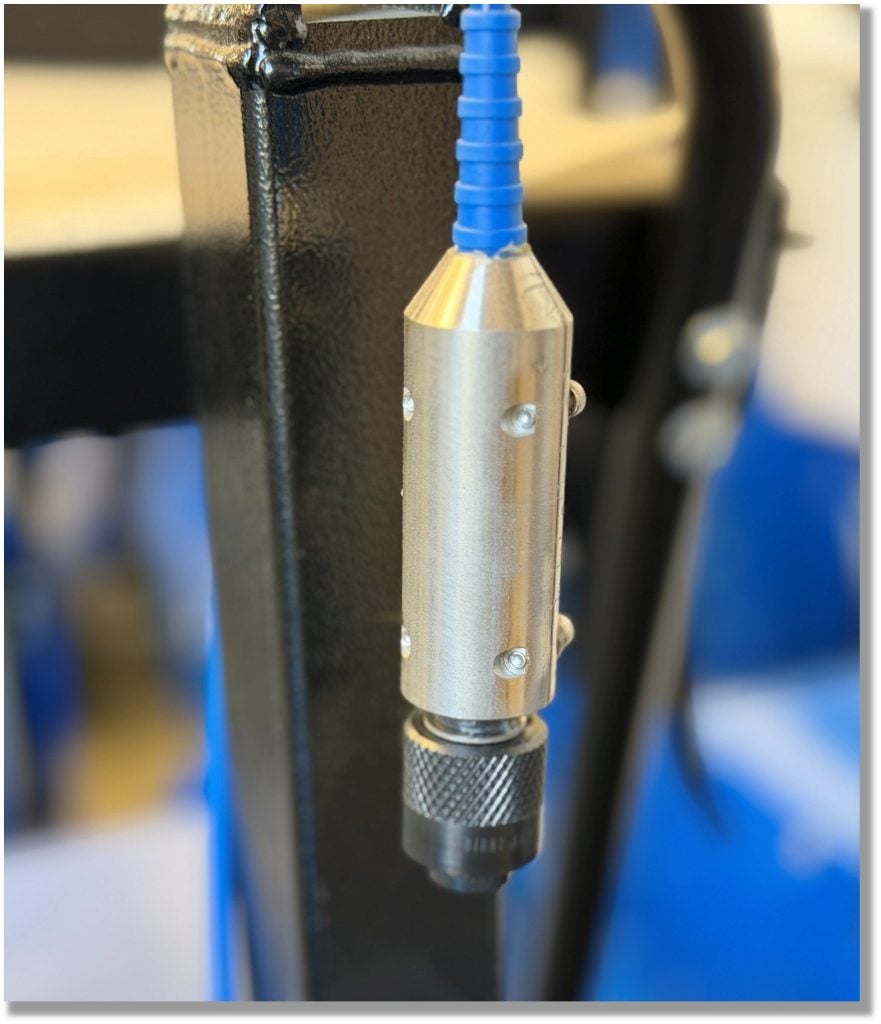
The cable head takes the most wear from repeated use. Always hand-tighten when attaching it to the camera, never use a wrench. Over-tightening is one of the fastest ways to damage your equipment. If you feel resistance when attaching the cable head, stop immediately and ensure the pins and key are properly aligned before proceeding.
IMAGE: New Cable Head
2. Check your cable head before every use
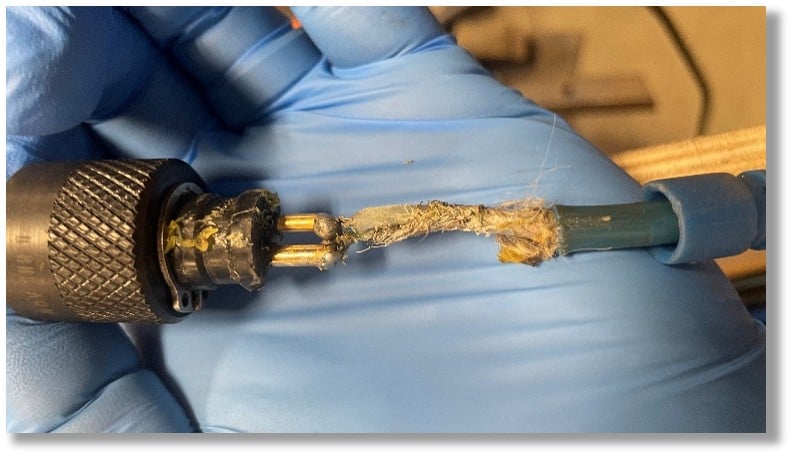
A quick voltage check can save you time and frustration in the field. If you’re not seeing voltage, it may be time for a replacement or further inspection. Need help? Watch our quick guide here.
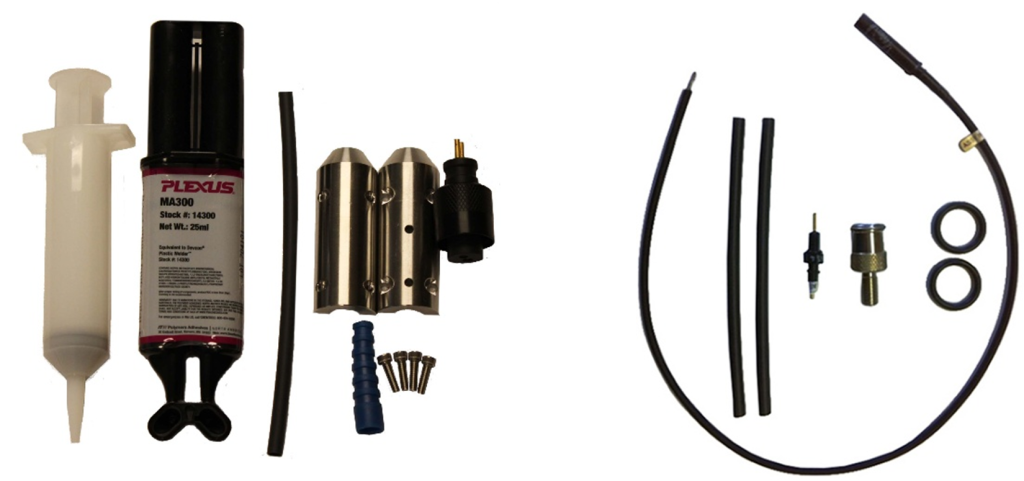
Keeping a cable head repair kit on hand can also help avoid delays in the field. Contact us to determine which cable head repair kit is right for your system.
IMAGE: Damaged Cable Head
IMAGE: Cable Head Repair Kits for Portable and Deep Water or Vehicle-Mounted Systems
3. Inspect cables regularly
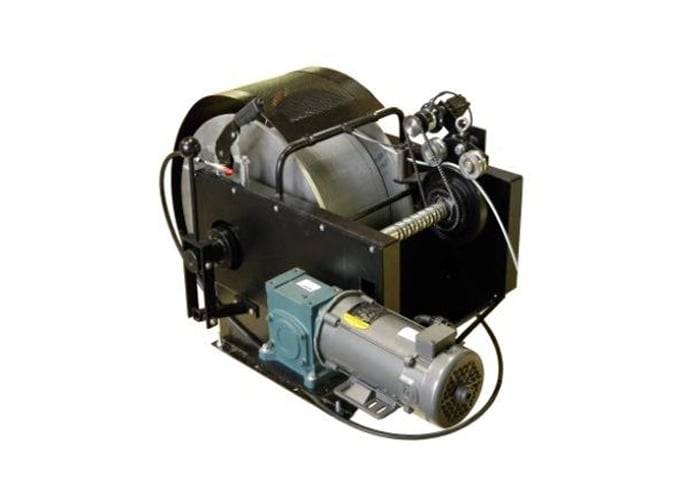
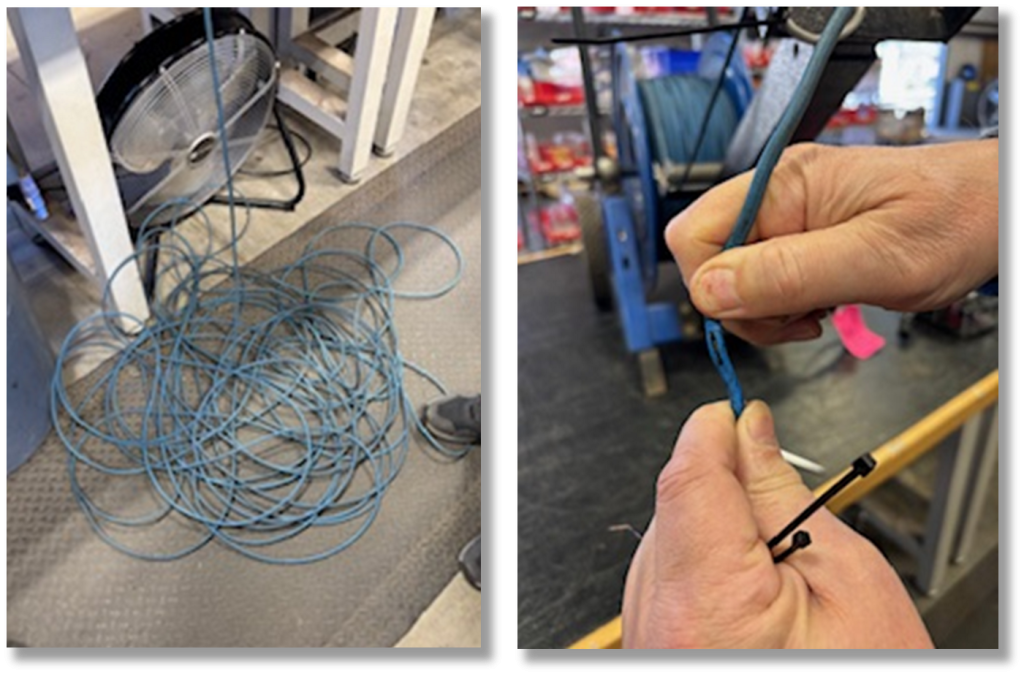
Look for kinks, frays, or weak connection points along your winch and connecting cables. Catching these early can prevent bigger and more expensive, issues later.
IMAGE: Cable Inspection Process and a Tear in the Cable
4. Inspect the glass housing before and after each use
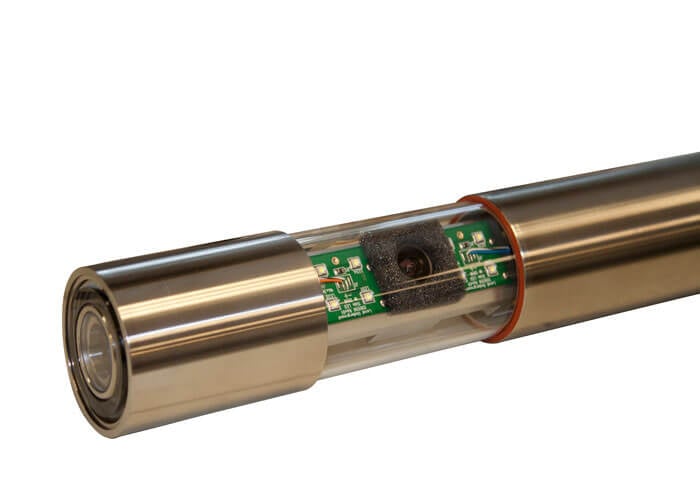
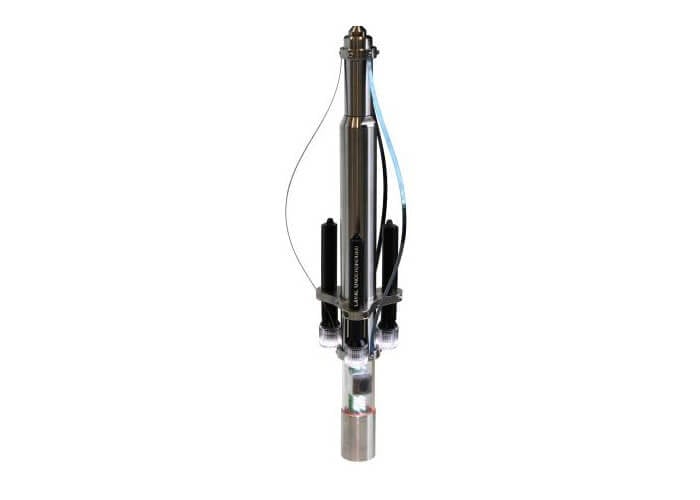
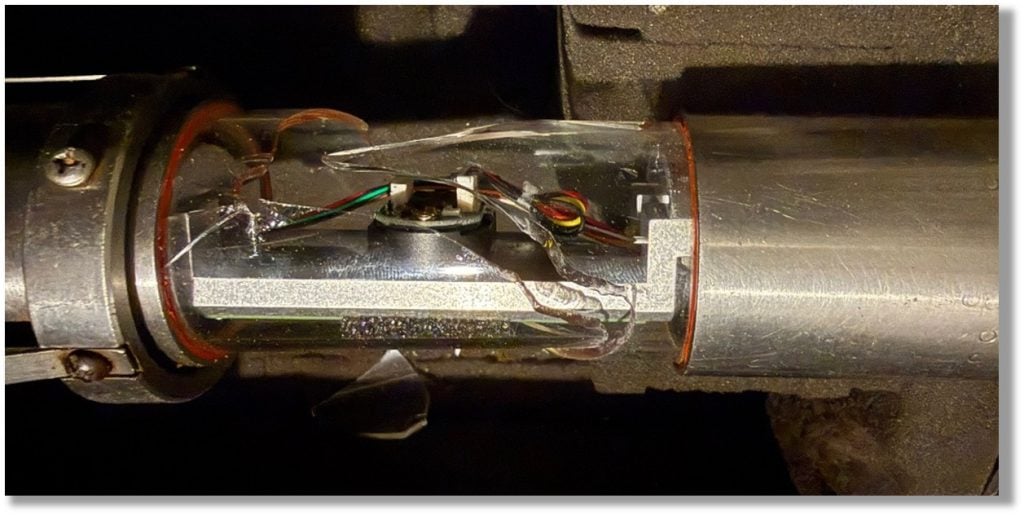
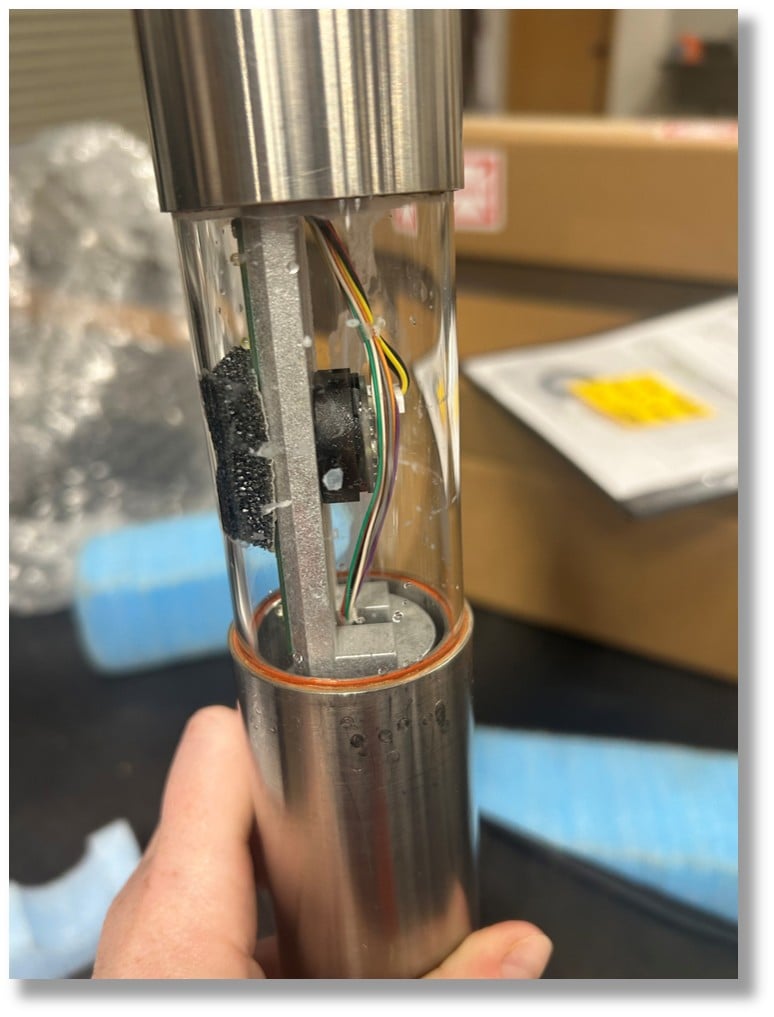
Before and after every job, take a moment to check the camera housing for cracks, scratches, loose fitments, or signs of wear. Even minor damage can allow water or debris to enter, leading to costly repairs. A quick inspection helps you catch issues early and keep your system protected in the field.
IMAGE: Broken Glass Housing
IMAGE: Signs of Water Damage (Water Droplets inside the Housing)
5. Keep connections clean
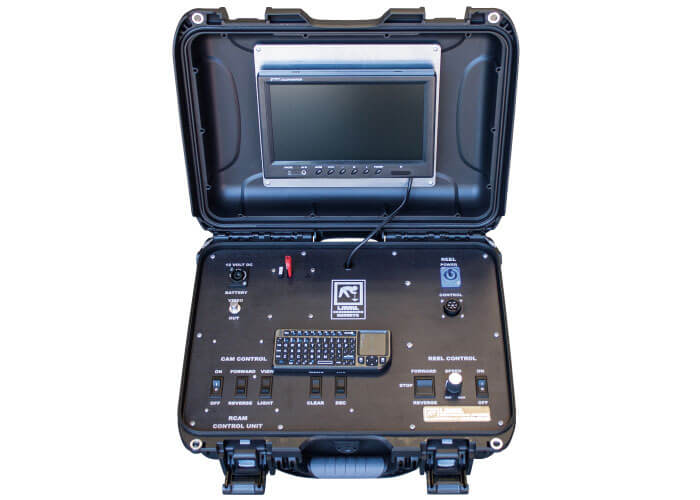
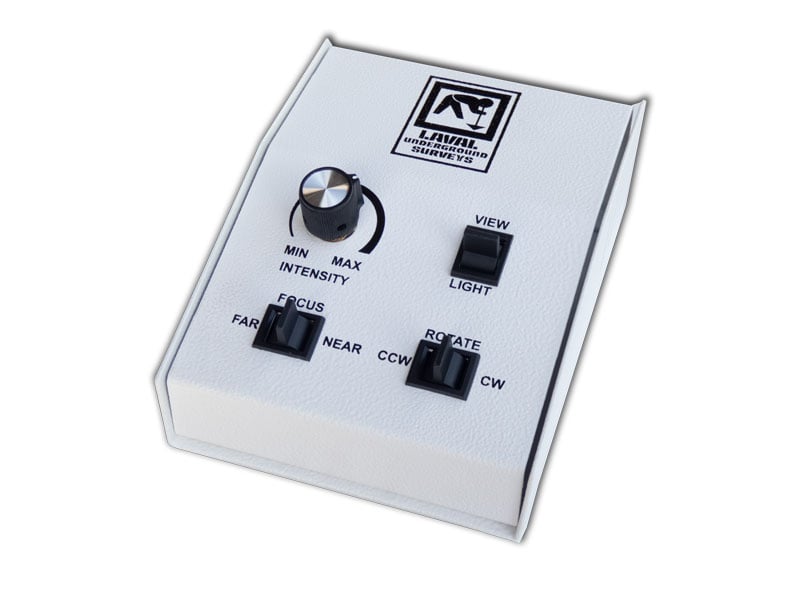
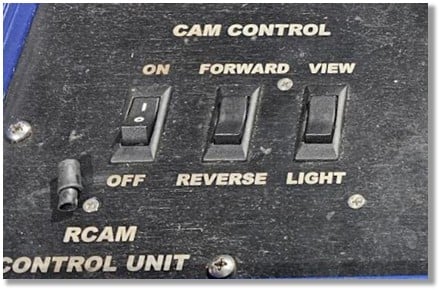
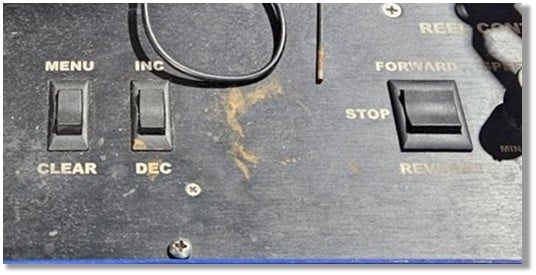
Dirt and debris can easily build up in switches and connection points, especially on the control panel. A quick cleaning, similar to cleaning your keyboard, can prevent failures.
IMAGE: An Example of Dirt Shown around Switches
IMAGE: Another Example of Dirt Shown around Switches
6. Avoid hot-swapping your DVR
Plugging or unplugging USBs while the system is powered on can damage your DVR. Always power down before making changes.
7. Store equipment properly
Extreme temperatures can take a toll over time. Keeping your system in a temperature-controlled environment helps preserve its performance and lifespan. If your system uses a battery, keep it on the factory charger or ensure it’s fully charged before long-term storage.
Routine checks and careful handling go a long way. With just a bit of preventative maintenance, you can keep your system running and stay focused on the job at hand.
If you ever have questions or need support, we’re here to help.